EXPIRIES60 sec – 10 minConfigured per trading plan
TRADING · AUTOMATION · PORTFOLIO
Trade, automate and manage capital.
Trade, automate and manage capital.
One account, one clear workflow.
Avianta Group Investment connects self-directed trading, trading plans, copy strategies, automated bots, portfolio funding and audited account activity in one secure workspace. See where capital is held, what is active and what can be withdrawn without switching between disconnected tools.
TRADINGCALL / PUTStructured directional execution
MARKET VIEWLive chartsExecution and analysis in one flow
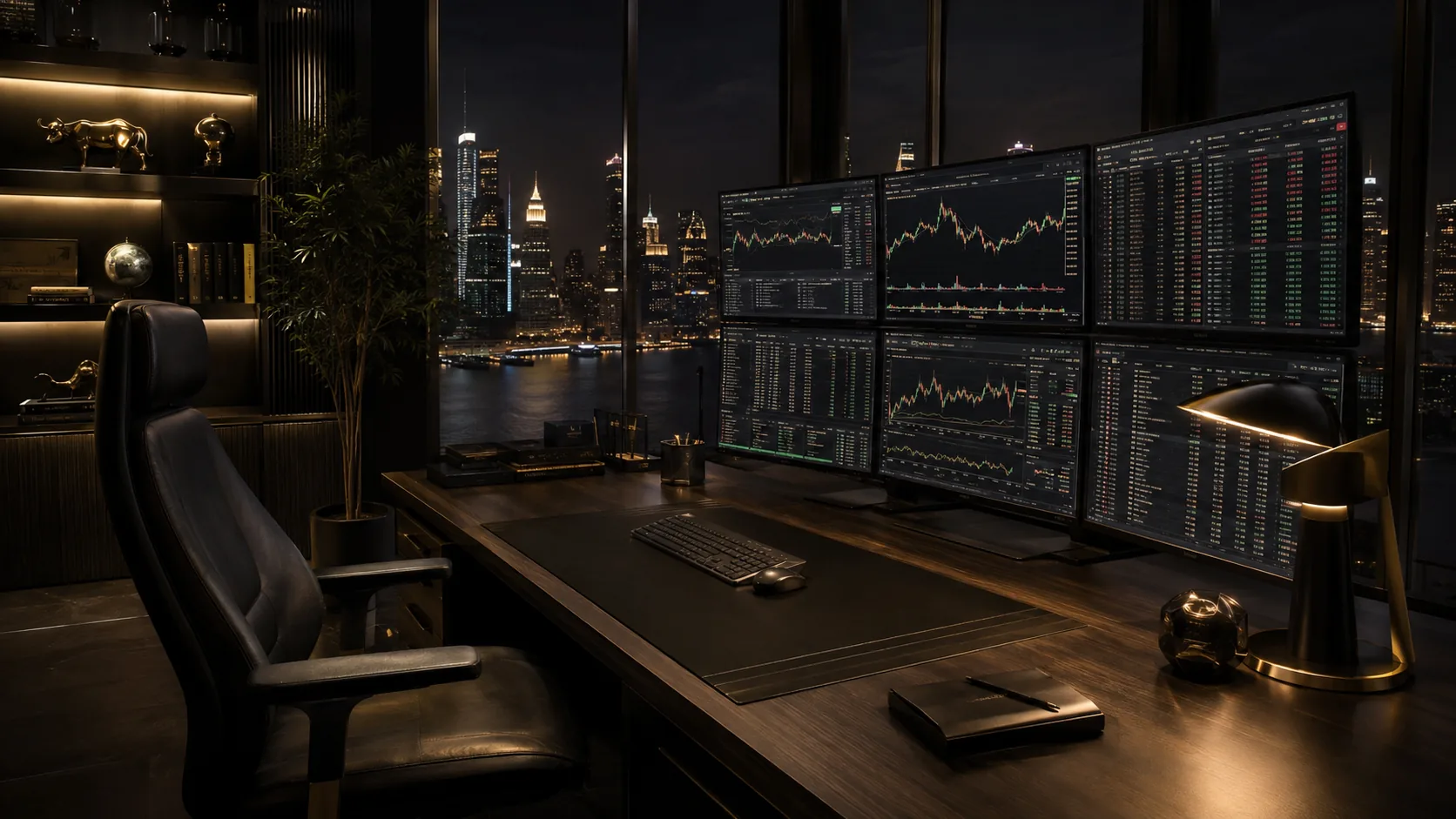
ACTIVE MARKETBTCUSD
116,701.89
EXECUTION DESKChart + ticket + positionsOne continuous trading workflow
TRADE STRUCTUREStake • expiry • directionReview before execution
MARKET WATCHNATIVE REFERENCE ENGINE · UTC
UNIFIED WORKSPACEMarket, chart and execution stay connected
CAPITAL STRUCTUREMain, Spendable and strategy capital stay distinct
POSITION TRACKINGOpen trades and settlements remain visible
DISPLAY LANGUAGEFull language selector with auto detection
PROFESSIONAL TRADING WORKSPACE
From market selection to settlement, every step has a clear place.
The terminal is organised around the decisions a trader actually makes: which market to watch, what the current candle is doing, how much to risk on the position, when it expires, and whether the thesis is higher or lower.
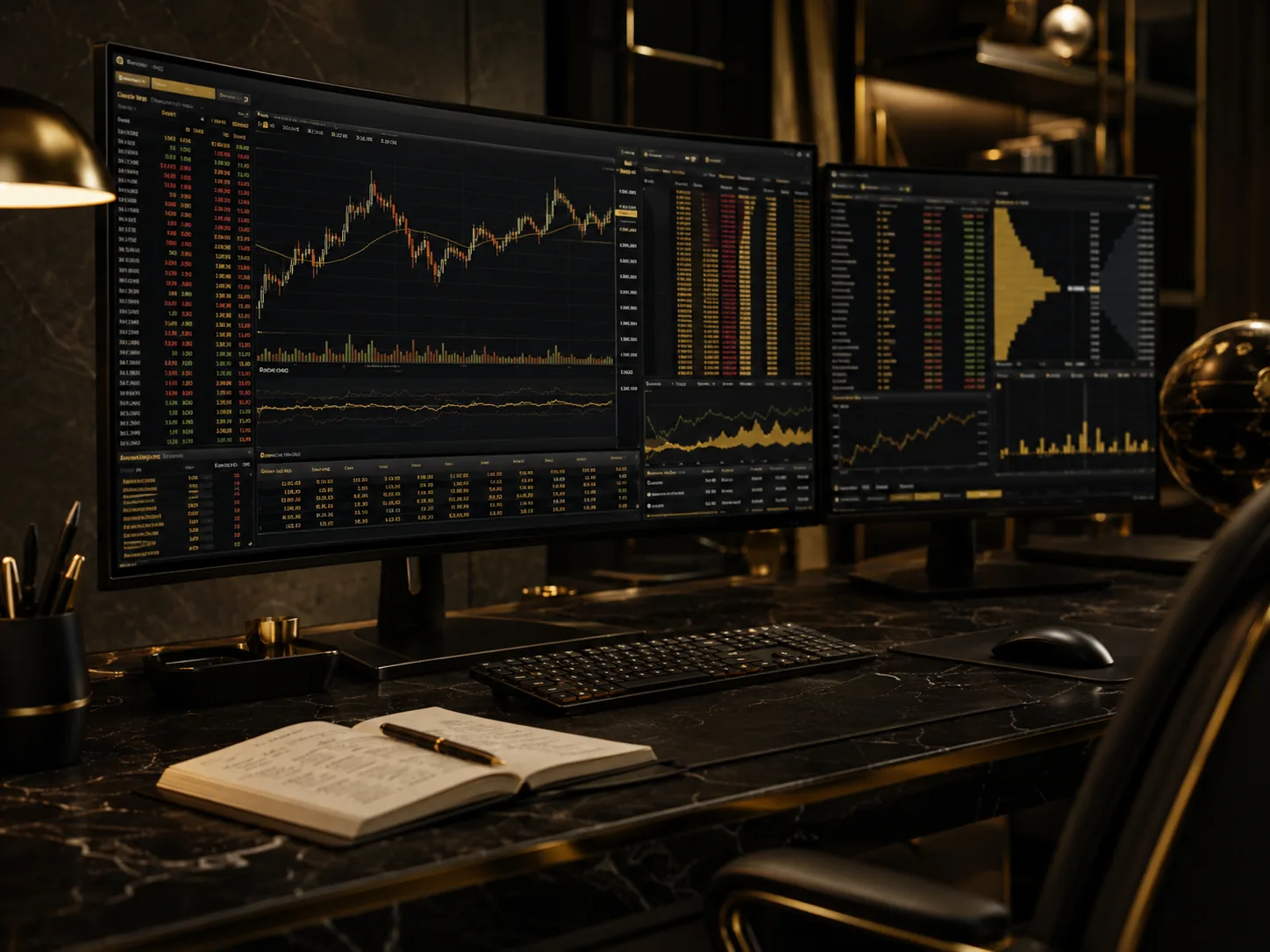
Analyse before executionUse OHLC data, timeframe controls, native candles and the optional TradingView analysis view to build context before entering a position.
Select the instrument
Move between enabled crypto, FX, metal and other configured markets from the terminal watchlist without leaving the chart.
Read the active candle
Open, high, low and close values stay visible above the chart together with the selected timeframe and feed status.
Structure the trade
Enter the stake, select an enabled expiry and review the active plan limits before choosing CALL or PUT.
Monitor the outcome
Open positions carry their expiry countdown. Closed positions remain in trade history with direction, duration, result and P/L.
EXECUTION FLOW
A trading process that reads like a desk, not a generic finance website.
Every primary action is separated so analysis, execution, funding and account administration do not get mixed into the same controls.
Choose a market
Select the instrument from Market Watch and bring its quote, chart and ticket into focus.
MARKET SELECTIONRead price action
Use candles, OHLC, timeframe switching, zoom and crosshair inspection to assess the move.
TECHNICAL CONTEXTBuild the ticket
Set trade amount and expiry first, then execute the directional thesis with CALL or PUT.
ORDER STRUCTURETrack settlement
Follow active countdowns and review completed positions in the settlement history below the terminal.
POSITION CONTROLINDEPENDENT TECHNICAL ANALYSIS
Use TradingView for deeper chart context without confusing it with execution.
The TradingView panel is an analysis surface. OPTITRADE orders continue to use the platform engine shown in the trading terminal, while TradingView remains an independent technical-analysis view.
Loading market tape…
TRADING TOOLSET
Professional controls, clearer hierarchy and less visual noise.
The interface is built so charting, execution, signals, account funding and history are distinct workflows instead of one overloaded page.
Candlestick execution chart
Switch supported timeframes, inspect OHLC, zoom into recent candles and use crosshair detail without losing the active market.
CALL / PUT order ticket
Trade amount, expiry, optional signal code and direction remain grouped in a dedicated execution ticket.
Signals and settlement history
Eligible paid signals appear separately from self-trading while recent settlements remain available for review.
ACCOUNT CAPITAL ARCHITECTURE
Know which balance is funding, trading capital or referral earnings.
Avianta Group Investment keeps wallet funds, plan-funded trading balance and referral earnings distinct. That makes deposits, plan purchases, trade activity and released funds easier to reconcile in account history.
Clear ledger separationAccount activity remains easier to audit when each balance has one purpose.
RISK & PLATFORM DISCLOSURE
Trading decisions should be made with risk in mind.
The bundled terminal uses a configurable probability-based simulation engine. Outcomes are generated by the platform and must not be represented as guaranteed real-market execution or investment performance.
TRADING WORKSPACE
Move from market watch to execution in one account.
Create your account, fund the wallet, activate an eligible trading plan and enter the terminal when you are ready to analyse and place a position.